Blog
#funaccess Wi-Fi
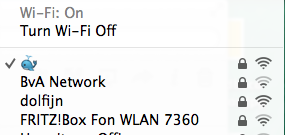
So today I’ve been (shortly) fooling around with emojis and acces points. My geek friend Boris pointed me towards a nice option. With all those lists of boring letters and numbers in those Wi-Fi lists isn’t there something you can do to stand out in the crowd.
The Moby Office now has it’s little whale. :)
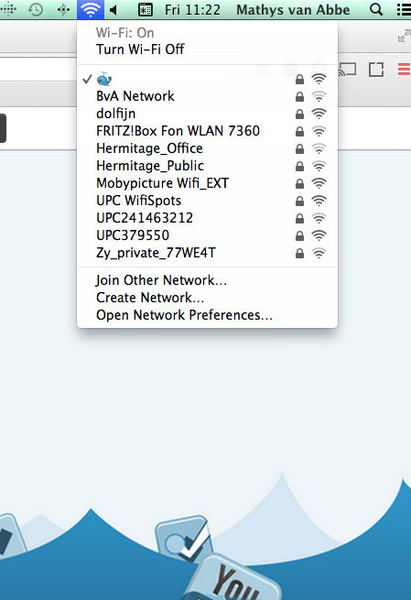
Here’s how you can do this for your own Wi-Fi network on a Mac.
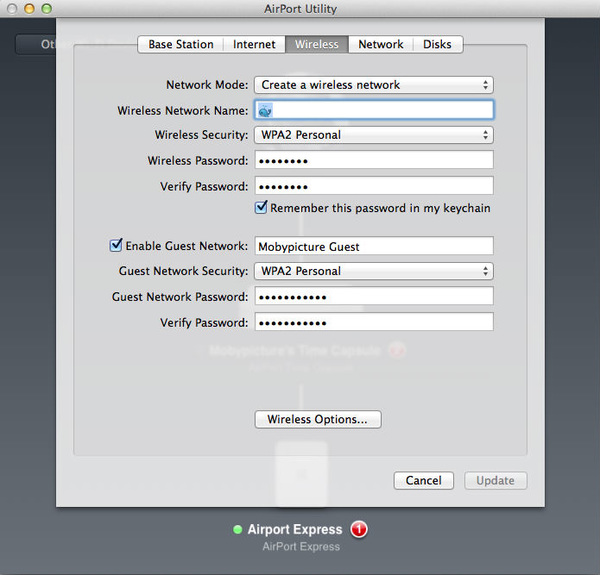
- Open ‘Airport Utility’
- Click your ‘Time Capsule’
- Click the ‘Wireless’-tab
- There you can change the ‘Wireless Network Name’ (use ^+CMD+SPACE for special characters)
Try to find the right special characters which fit your network.
Share your creativity with Moby and #funaccess (or not :) )
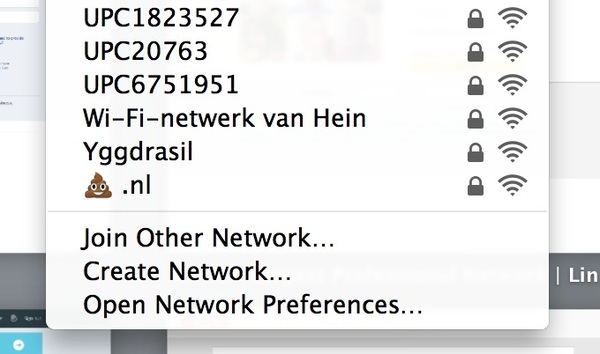
I know the brown one below is Boris ’ :)
Building
Three Times From Scratch
2026 · 3 min read
Building
When in doubt, C.
2026 · 1 min read
Building
The Scarcity Filter
2026 · 5 min read
Parenting
Beyond the Bully: Why Screen Time is a Battle for Your Child's Brain
2026 · 4 min read
Curiosity
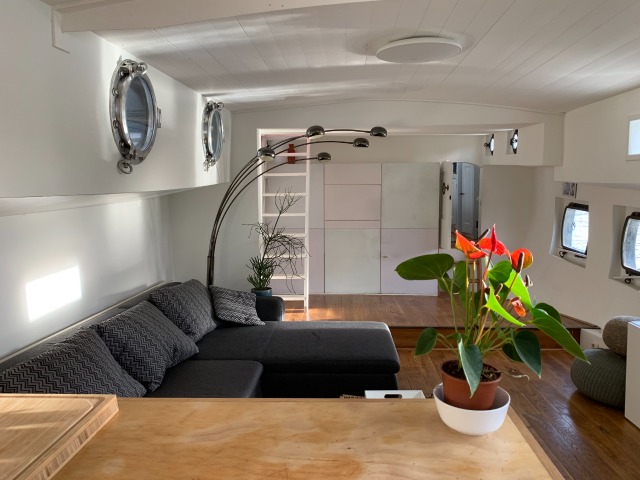
The Liquid Horizon: Why 25 Years on the Water Trumps Any Amsterdam Apartment
2026 · 4 min read